Speeda for operations managers and chefs
The people in the kitchen hold the numbers that decide food cost. Speeda gives them a camera count instead of a clipboard, recipes that cost themselves, and a clear list of the items where counted stock and recipes disagree.
What changes for you
- Camera counts
- Photograph a shelf; Speeda counts it and marks what it is unsure about for a person to confirm.
- Recipes that cost themselves
- Change a supplier price and every recipe using that item updates.
- The gap, item by item
- Chicken, beef or fries: where the count and the recipes disagree, in kilos and in riyals.
The phone camera does the stock count.
Speeda Vision recognises your products on the shelf, counts them and marks anything it is unsure about. A person confirms, stock updates, and the food cost report uses the real count.
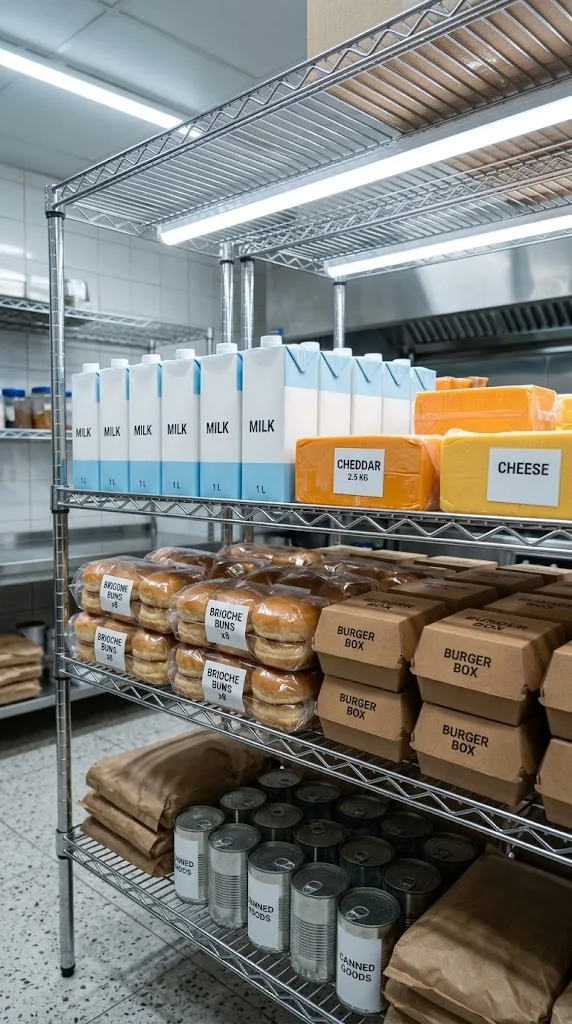
- Count a shelf in one photo
- Shelves, fridges and freezers. Unsure items are marked for a tap, or the storekeeper says the item out loud.
- Read supplier invoices
- Lines and totals read in seconds, QR code and VAT number checked against ZATCA rules, matched to the order.
- Check deliveries at the door
- A photo of the delivery is compared with what was ordered before anyone signs.
- Log waste by photo
- One photo per bin. Speeda estimates the weight and the cost by item and shift.
Updated 29 October 2026.
See your own profit per channel.
Twenty minutes with last month's sales from your POS and delivery apps.